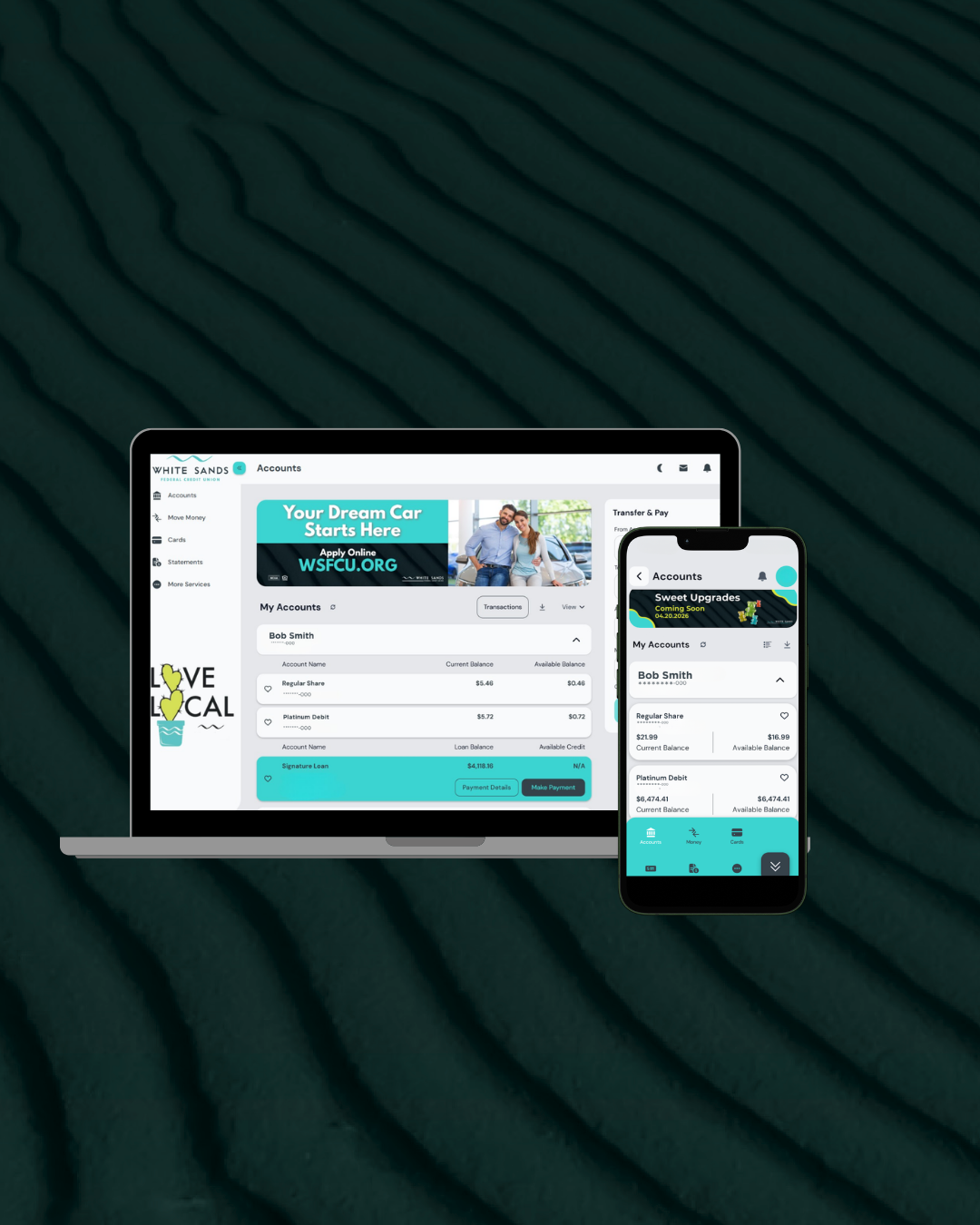
White Sands FCU Mobile Banking App
We’ve upgraded our online and mobile banking to make managing your money faster, smarter, and easier than ever. Take control of your schedule with tools that let you track transactions, add memos or receipts, update accounts, manage your cards, and set alerts—all in one place. Available 24/7, so you can stay on top of your finances anytime, anywhere.
Bank on the go with our award winning mobile app! Securely and conveniently check your account balance, deposit checks, pay friends and family, make transfers, and more.


All-In-One Experience
Consistent experience across multiple devices.
Enhanced Security
Facial recognition and fingerprint scanning for a secure login.
Messages and Alerts
Set up text and email alerts to keep you in-the-know.
Member-Centric Login
Create unique logins for you and your joint account holders.
CU ONLINE BANKING
We’ve upgraded our online and mobile banking to make managing your money faster, smarter, and easier than ever. Take control of your schedule with tools that let you track transactions, add memos or receipts, update accounts, manage your cards, and set alerts—all in one place. Available 24/7, so you can stay on top of your finances anytime, anywhere.
Updated Features:
Joint members can now use their own login credentials
Dark Mode
Language & Font Options
Important Update: Zelle® No Longer Available
We want to keep you informed of an important update.
Zelle® is no longer available through our online and mobile banking.
We understand how important it is to send money quickly and securely, and we’re here to help. We offer convenient alternative options that make transferring funds just as easy.
TO REGISTER, YOU WILL NEED THE FOLLOWING:
YOUR WHITE SANDS FCU MEMBER NUMBER OR YOUR 16-DIGIT DEBIT CARD NUMBER.
THE LAST 4 DIGITS OF YOUR SSN,
YOUR DATE OF BIRTH.
CURRENT CELL PHONE NUMBER AND EMAIL ADDRESS.
JOINT MEMBERS WILL REGISTER USING YOUR OWN PERSONAL INFORMATION.
STEP 1: CLICK THE REGISTER BUTTON
STEP 2: AFTER FILLING OUT THE CORRECT INFORMATION, CHECK THE BOX TO ACCEPT THE TERMS AND CONDITIONS.
STEP 3: CLICK VERIFY. YOU’LL RECEIVE A MULTI-FACTOR AUTHENTICATION (MFA) CODE BY TEXT MESSAGE AND EMAIL TO YOUR CONTACT INFORMATION WE HAVE ON RECORD.
STEP 4: ENTER THE CODE WHEN PROMPTED.
IF YOU DON'T RECEIVE A CODE, YOUR CONTACT INFORMATION IS NOT UP TO DATE. PLEASE CALL 575-647-4500 TO UPDATE YOUR INFORMATION.
ONLINE BANKING FEATURES
Stay in "The Know"
Set up customized alerts to suit your financial behaviors. You can create alerts for:- Transactions
- Failed Log In Attempts
- Payment Reminders
- Message Alerts
- And much More!
View Accounts Your Way
Organize your accounts the way you want, and toggle light and dark mode.- Group your accounts to view accumulated account balances or loan balances
- Rename your accounts however you wish!
Secure Payments & Transfers
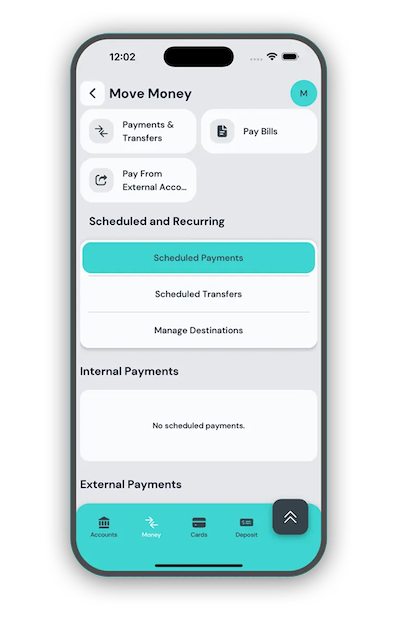
Easily set up secure transfers and payments with the Transfer tool.- Send money to other financial institutions
- Make transfers with other Texas Trust members
- Simply transfer funds between your Texas Trust accounts